Local services

Google Business Profile posts service for local businesses

Google Business Profile posts should help a nearby customer act while they are already comparing local options. Build each post around a current business fact, choose the native Update, Offer, or Event format that fits it, and complete the dates, terms, media, and action path before polishing the copy.

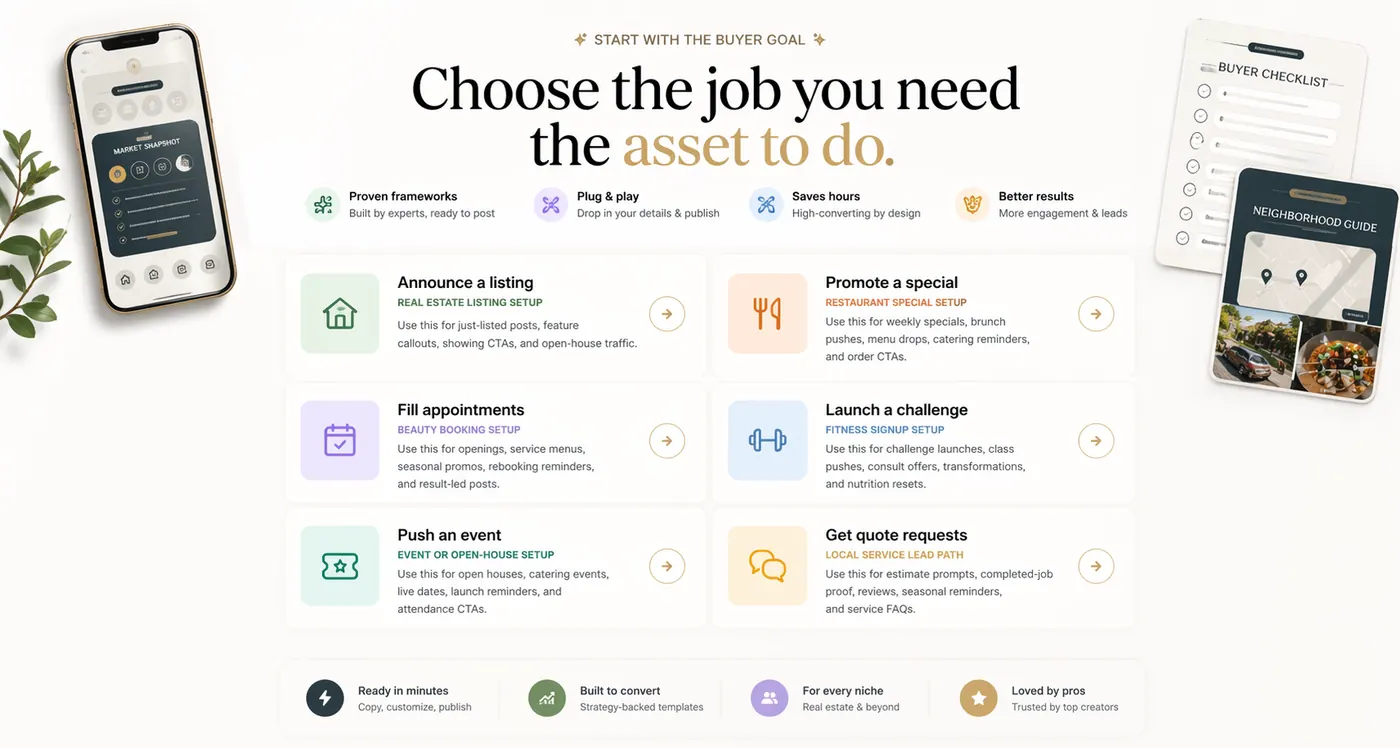
Goal-based marketing content preview for local business posts
Start with the full guide Review common questions

How do you choose the Google post type before writing?

Use an Update for current news, a service explanation, a completed job, or an availability note. Use an Offer when the promotion has real terms and a valid window. Use an Event when the date and time are part of the reason to act. The native format should match the source fact rather than serving as a decorative label.

This decision changes what the customer needs to see. An Offer needs eligibility, dates, and redemption details. An Event needs timing and a destination. An Update needs enough local context to explain why the information matters now.

How should you start with information the business can verify today?

Gather the exact service name, service area, current hours, offer dates, event details, booking or quote destination, and an approved photo before drafting. If a price, deadline, opening, or availability claim may change, assign an owner to confirm it before publication.

A Google Profile post can appear beside the business name, reviews, directions, and contact controls. Inaccurate timing or service details therefore create friction at a point where the customer may be ready to call or visit.

Assume the reader has already expressed some local intent. Lead with the service, offer, event, or useful update instead of a broad brand introduction. Explain who the information is for, what is current, and what the reader should do next.

Keep the language specific enough to support a decision without stuffing the post with city names or repeating the business category. Local relevance should come from truthful operating details, the service area, and the customer action.

How should you use the native action button as the primary path?

Choose the button and destination that match the post: call, book, order, learn more, sign up, or another supported action. Send the customer to the closest useful page rather than the homepage when a service, booking, menu, offer, or event page exists.

Check the destination on a phone and confirm that the offer or event details agree with the post. A strong update can still fail when the button opens an outdated page or makes the customer search again.

How do you measure profile actions separately from social engagement?

Track calls, website visits, bookings, direction requests, orders, or qualified inquiries that follow the profile activity. Reactions on another social channel do not prove that a Google Profile post helped a local customer act.

Use consistent campaign labels where the destination supports them, preserve the publication date and source details, and compare the result with the business goal that justified the post.

When should you refresh or retire business information?

Review dated promotions, seasonal hours, event information, and availability after the relevant window closes. Do not leave a customer-facing claim active simply because the original design still looks useful.

A repeatable review step keeps the profile aligned with the website, booking system, menu, and staff instructions. That operational accuracy is more valuable than publishing a high volume of generic updates.

Research reviewed 2026-08-20

What does current guidance change about this plan?

We used Google's current Business Profile documentation as the operating source, then added FTC guidance for the claims and reviews that often appear in local-business posts.

Choose the native post type before writing

Google supports Update, Offer, and Event posts with different fields, media, dates, and buttons. The format should match the business fact being communicated rather than forcing every idea into a generic update.

How to apply it

Use Offer for a genuine promotion with terms, Event for a dated occurrence, and Update for news or evergreen information. Complete the native fields before polishing the caption.

Review Google Business Profile: Create and manage posts

Profile activity should be evaluated with business interactions

Google Business Profile performance can include search terms, views, directions, calls, website clicks, messages, bookings, and other interactions depending on eligibility and setup. No single metric proves revenue.

How to apply it

Record a baseline, tag the destination where possible, and compare calls, directions, bookings, and website actions during the offer window. Keep those measures separate from post-production volume.

Review Google Business Profile: Check performance

Access should use roles instead of shared credentials

Google lets owners invite managers without sharing passwords. That makes permissions easier to revoke and keeps control with the business when an employee or vendor relationship changes.

How to apply it

Grant the smallest role needed, document the primary owner, review access quarterly, and remove former collaborators promptly. Keep offer approval separate from account administration.

Review Google Business Profile: Owners and managers

Which useful examples can you adapt?

These are not fake captions to copy word for word. Use them as structure, then replace the proof, timing, and CTA with real business details.

Local services scenario

For Google Business Profile posts service, define the scope first: local updates, service offers, appointment openings, seasonal reminders, and estimate prompts. Then gather the real inputs: service-area details, job photos, offer dates, business hours, review snippets, and contact instructions. Keep the finished content focused on one next step: request a quote, call, book, or ask for availability.

Replace every detail with the current business facts, then keep only the evidence needed to request a quote, call, book, or ask for availability.

Proof-led hook

Before comparing providers, collect the evidence the work will depend on: service-area details, job photos, offer dates, business hours, review snippets, and contact instructions.

Use one approved photo, screenshot, review snippet, service note, or offer detail, then explain why it matters for the buyer decision.

Objection-answer hook

Answer the main concern before presenting the next step: whether short local posts can still explain enough to generate action.

Turn the caption into a short answer with one proof point and one CTA instead of trying to sell every benefit at once.

Which authoritative sources should the practice review?

Use these sources as a starting point, then follow the laws, professional rules, and qualified advice that apply to the practice and its location.

Decision check

Which facts make this decision actionable?

Use these checks before you choose a layout, write a caption, select a service, or brief a designer. If an answer is vague, resolve it before production starts.

Offer clarity

Can a stranger understand what is being offered, who it is for, and what to do next without reading the whole caption?

A reader searching for Google Business Profile posts service is usually close to action, so unclear offer language makes the page feel like inspiration instead of help.

Use this answer as the headline filter. If the offer cannot be explained cleanly here, the post should not move into design yet.
Proof strength

Which real details show that the proposed scope fits this buyer?

Readers trust specific source material faster than polished claims, especially when they are comparing whether the business can deliver.

Use the answer to select from job photos, review snippets, service notes, location context, preparation details, and estimate instructions. The graphic and caption should make that evidence easy to understand.
Reader friction

Does the content resolve the main concern: whether short local posts can still explain enough to generate action?

A useful post should remove one hesitation before it asks the reader to act, not simply repeat the offer in a prettier layout.

Turn that hesitation into one short answer before asking the reader to request a quote, call, book, or ask for availability.
Action path

Is there one next step repeated across the sequence?

Curious readers need one obvious path after the guide. Multiple CTAs can make even strong content feel unfinished.

Keep the CTA consistent across the batch so every asset points toward the same measurable action.

Publishable sequence

How do you build five posts from the verified inputs?

Use this as a working outline after the decision and source facts are clear. Each post has a distinct job while the offer, evidence, and customer action stay consistent.

01

Buyer question

Answer why local updates, service offers, appointment openings, seasonal reminders, and estimate prompts matters before asking anyone to buy.

Show
local updates, service offers, appointment openings, seasonal reminders, and estimate prompts
Caption job
Name the customer situation, explain the fit, and point to request a quote, call, book, or ask for availability.
CTA
See if this fits
02

Proof post

Make the offer feel specific enough to trust.

Show
service-area details, job photos, offer dates, business hours, review snippets, and contact instructions
Caption job
Explain the real detail in plain language and avoid claims the business cannot support.
CTA
Send the details
03

Objection answer

Handle the hesitation around whether short local posts can still explain enough to generate action.

Show
A short FAQ, process note, comparison point, or customer decision checklist
Caption job
Answer one concern directly, then repeat the next step without adding a second ask.
CTA
Ask before you book
04

Timing reminder

Connect the post to a real buying moment: The buyer wants content that supports local discovery when customers are already comparing nearby options.

Show
A deadline, availability window, service area, launch date, booking slot, or ordering path
Caption job
Make the timing practical so the reader knows why acting now helps.
CTA
Take the next step
05

Final CTA

Bring the sequence back to request a quote, call, book, or ask for availability after the useful context has been shown.

Show
local posts that make the business easier to contact from search
Caption job
Summarize the offer, repeat the proof, and make the action easy to follow.
CTA
Create local business posts

Next decision

How do you use the guide without losing the buying decision?

Carry the verified inputs into the category example, check the sequence, and then decide whether your team or a production partner should own the work.

01 / Diagnose

What is the buyer trying to decide about Google Business Profile posts service?

Narrow the page around service area, quote process, completed-work proof, seasonal reminders, and trust-building FAQ answers. If the article cannot name that decision, it will feel like generic inspiration instead of a guide.

Use the audit
02 / Prepare

Which real inputs are ready before production starts?

Collect job photos, review snippets, service notes, location context, preparation details, and estimate instructions. Missing facts should be resolved before the layout or caption creates pressure to guess.

Check the inputs
03 / Adapt

Which real details show that the proposed scope fits this buyer?

Start from this concrete situation: For Google Business Profile posts service, define the scope first: local updates, service offers, appointment openings, seasonal reminders, and estimate prompts. Then gather the real inputs: service-area details, job photos, offer dates, business hours, review snippets, and contact instructions. Keep the finished content focused on one next step: request a quote, call, book, or ask for availability. Replace the example details with current, approved business facts.

See finished examples
04 / Sequence

What should the next post answer after this one?

Build a short sequence where each asset answers a different question so homeowners can request a quote or service call with less uncertainty.

Use the plan
05 / Choose

Should your team keep producing this or hand the posting system to Lumora?

Choose the path that can stay consistent. Keep production in-house when the team has time and clear ownership, or use Lumora when planning, creative, approval, and publishing need one accountable workflow.

Get a personalized plan

Campaign playbook

How do you turn the decision into publishable assets?

Turn the buyer's high-intent search for Google Business Profile posts service into a scoped content decision with real inputs, a clear CTA, and a checkout path.

Use this when local businesses that want more calls, bookings, and quote requests are comparing content help and need to understand what to send, what gets created, and why a focused package can move faster than a broad retainer.
01

Intent answer

Answer the search query directly and explain which business situation makes the service worth buying.

Choose the content path
02

Input checklist

Show the buyer exactly which source material supports service area, quote process, completed-work proof, seasonal reminders, and trust-building FAQ answers before production starts.

Prepare the brief
03

Proof and scope post

Clarify that the work uses job photos, review snippets, service notes, location context, preparation details, and estimate instructions instead of invented claims or generic filler.

Send real details
04

Plan bridge

Move the reader from research into the relevant monthly plan, focused pack, service page, or customization path.

Compare posting plans

FAQ

What should you know before you build this content?

What should a local business post on Google Business Profile?

Post current services, real offers, dated events, completed-work proof, appointment availability, seasonal information, and operating updates that help a nearby customer choose a next step.

Should a Google Business Profile post copy the Facebook caption?

Usually not word for word. Preserve the verified offer and proof, then rewrite for a customer arriving from local search and use the appropriate Google post type and action button.

Should this be one post or a full sequence?

Use one post only when the offer is simple and already familiar. Use a sequence when the buyer needs proof, timing, details, objections answered, or several reminders before taking action.

When should I use Lumora instead of handling every post internally?

Use Lumora when the business has real photos, offers, services, and calls to action but needs one repeatable workflow for planning, creative production, approval, and publishing. Keep it internal when your team already has the time and ownership to maintain that workflow.

Where Lumora fits

When should you let Lumora build this instead of doing it yourself?

Use the guide when you want the thinking. Use Lumora when the useful structure is clear, but the posts still need to be written, designed, and made ready to publish.

You have the facts, but no finished posts
Your move

Gather job photos, review snippets, service notes, location context, preparation details, and estimate instructions, then choose the strongest offer and CTA before editing anything.

Lumora move

Lumora can turn those inputs into a personalized monthly plan with finished graphics, captions, approvals, and scheduled publishing.

The offer still feels too broad
Your move

Use the audit above to narrow the content around service area, quote process, completed-work proof, seasonal reminders, and trust-building FAQ answers.

Lumora move

Lumora uses the business intake to clarify the angle before production so the monthly plan does not become generic filler.

You need a reliable publishing rhythm
Your move

Choose a realistic cadence and define who approves facts, offers, and creative before each post goes live.

Lumora move

Lumora can organize supported comments, messages, and reviews for approval-first routine replies on Growth, then add authorized qualification prompts and owner handoff on Autopilot. Sensitive support, disputes, refunds, crisis communication, closing, paid ads, and guarantees remain outside the standard scope.

What should you do after the guide makes the direction clear?

Keep using the outline internally if your team owns the calendar. Choose Lumora when you want the business analyzed, the posts created, the approval organized, and supported profiles kept on schedule.

Get a personalized content plan