
VoiceGecko Review (2025): Ultimate Voice Dictation Solution
What is VoiceGecko?
VoiceGecko transforms your speech into text, allowing for faster input across desktop applications. It enhances productivity by enabling you to speak rather than type, integrating seamlessly with tools like Slack and GitHub.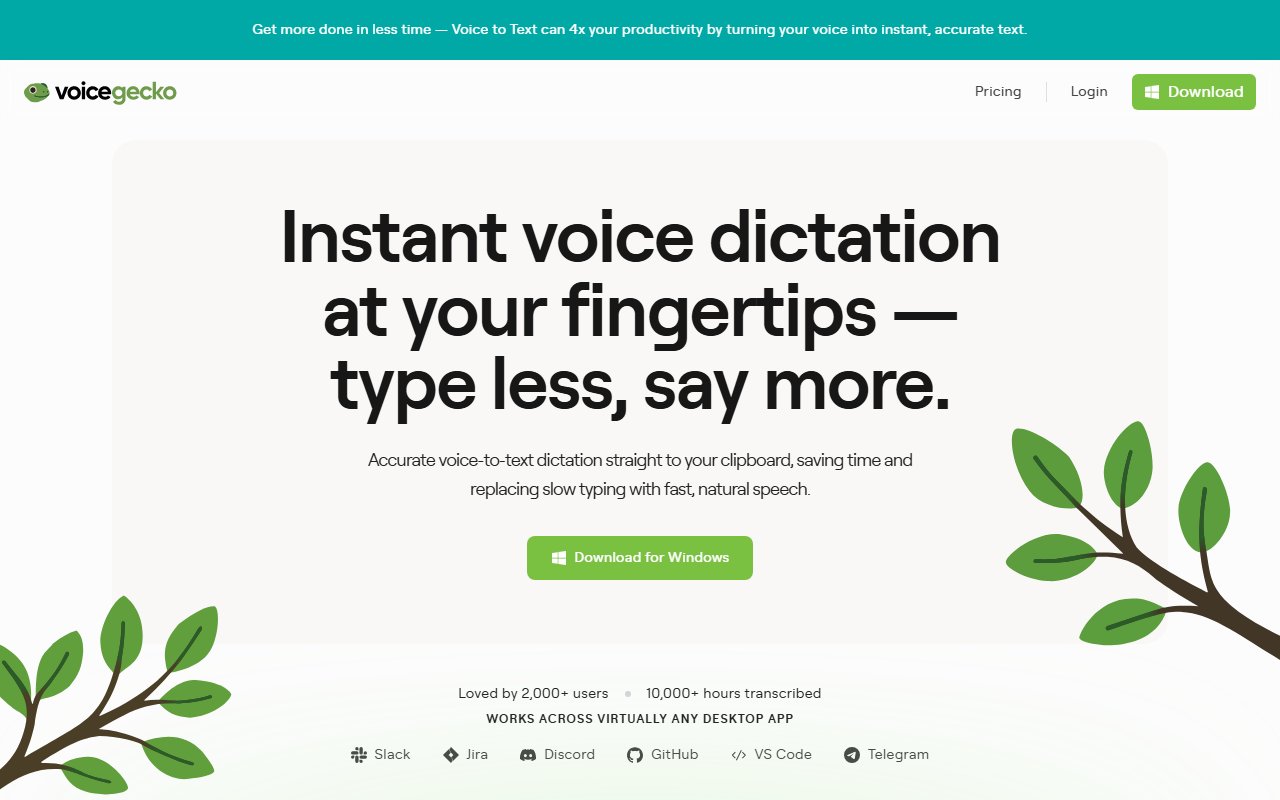
Overview
Key Features
Highlighted below are the standout features that make VoiceGecko unique:
Deep Analysis
A narrative analysis of strengths, trade-offs, and practical fit.
VoiceGecko offers an innovative approach to integrating voice-to-text services across desktop applications. Aimed at reducing the time spent typing, it allows you to vocalize thoughts, plans, and instructions. Its ease of integration with tools like Slack, GitHub, and VS Code makes it an attractive choice for software developers and team collaborators.
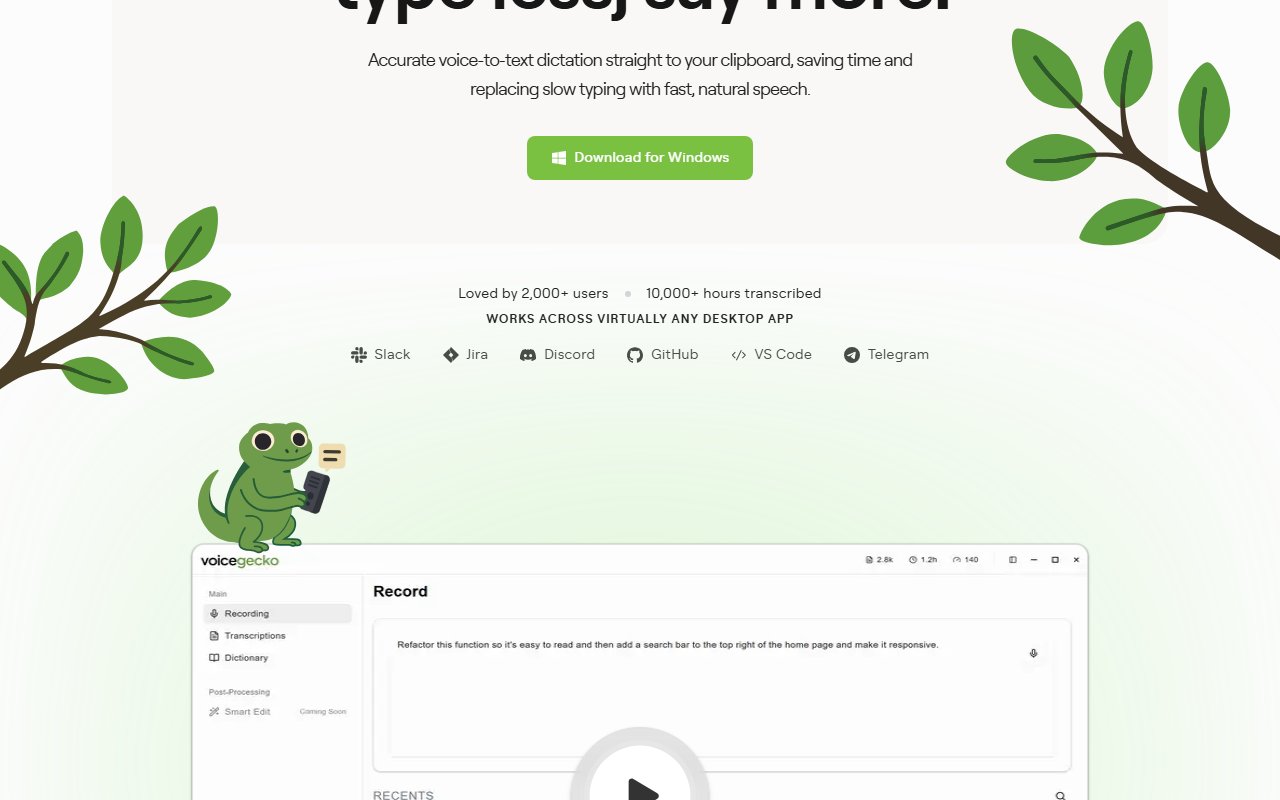
In practice, the GeckoBar provides a continuous presence that ensures voice commands can be issued quickly, keeping the user in a state of productive flow. Equipping users with a custom dictionary, VoiceGecko accurately transcribes specialized vocabulary, ensuring no words are misinterpreted during translation. The tool’s persistent bar and instant transcription capabilities highlight the benefits of multitasking while providing clear archival of each dictation session through its searchable history.
That said, the complexity of setting up advanced features might be an initial hurdle for non-technical users, requiring some investment in adjusting to its customization options. While the tool is pitched at professionals and those embedded extensively in digital environments, it might be more than what’s needed for casual or infrequent users.
Ultimately, professionals and teams who regularly juggle interactive applications will find VoiceGecko’s functionality particularly useful. Those who delve into detailed documentation, coding, and collaborative projects will appreciate the increased efficiency and error-free transcription that improve the workflow. While specific contexts might dictate necessity, for those embedded in fast-paced or detail-oriented work environments, retaining the flow of ideas without interruption proves priceless.
Ready to automate your workflows?
Experience AI-powered automation with VoiceGecko's intuitive chat interface.
Try VoiceGecko FreeUse Cases
Here are practical ways different types of users can benefit from VoiceGecko:
- 💻
Developers
Transcribing coding instructions and software specs.
- 🎨
Content Creators
Efficiently capturing creative ideas without typing.
- 👥
Teams
Shared task updates and meeting notes.
- 💼
Students
Dictating lecture notes and research summaries.
Platforms & Integrations
VoiceGecko is available on select platforms, with upcoming expansions:
Platforms
Windows
Integrations
Slack, Jira, GitHub, VS Code, Discord, Telegram
Pros & Cons
Here are the main advantages and considerations of VoiceGecko:
Pros
- ✓Accurate immediate voice-to-text conversion
- ✓Works with virtually any desktop app
- ✓Highly customizable user experience
Cons
- ✕Best suited for users with regular desktop needs
- ✕Higher tiers required for advanced features
Pricing
A summary of plans, pay-as-you-go options, and add-ons.
Type
Subscription
Summary
Free plan with tiered subscriptions for advanced features
Ratings
Is VoiceGecko worth it? YES ✓
Ready to get started?
Join thousands of users automating their workflows with VoiceGecko.
Try VoiceGecko FreeSources
- Official site as of October 21, 2025
Community & Social
Connect with VoiceGecko through its official social channels: